Best friends
You on one side, your best friend on the other. Good for a birthday post or the group chat.
Upload one photo for each side and get the 15-second Hotel Lobby video with those two people (or pets) as the performers. The original clip guides the orange room, hanging mic, moves and audio. AI likeness, framing and timing can vary.
JPG, PNG or WebP · up to 10MB per photo
One clear face per photo, in even light. People and pets both work. Only upload photos you have permission to use.
Each generation uses 1 video credit.
 Left input
 Right input
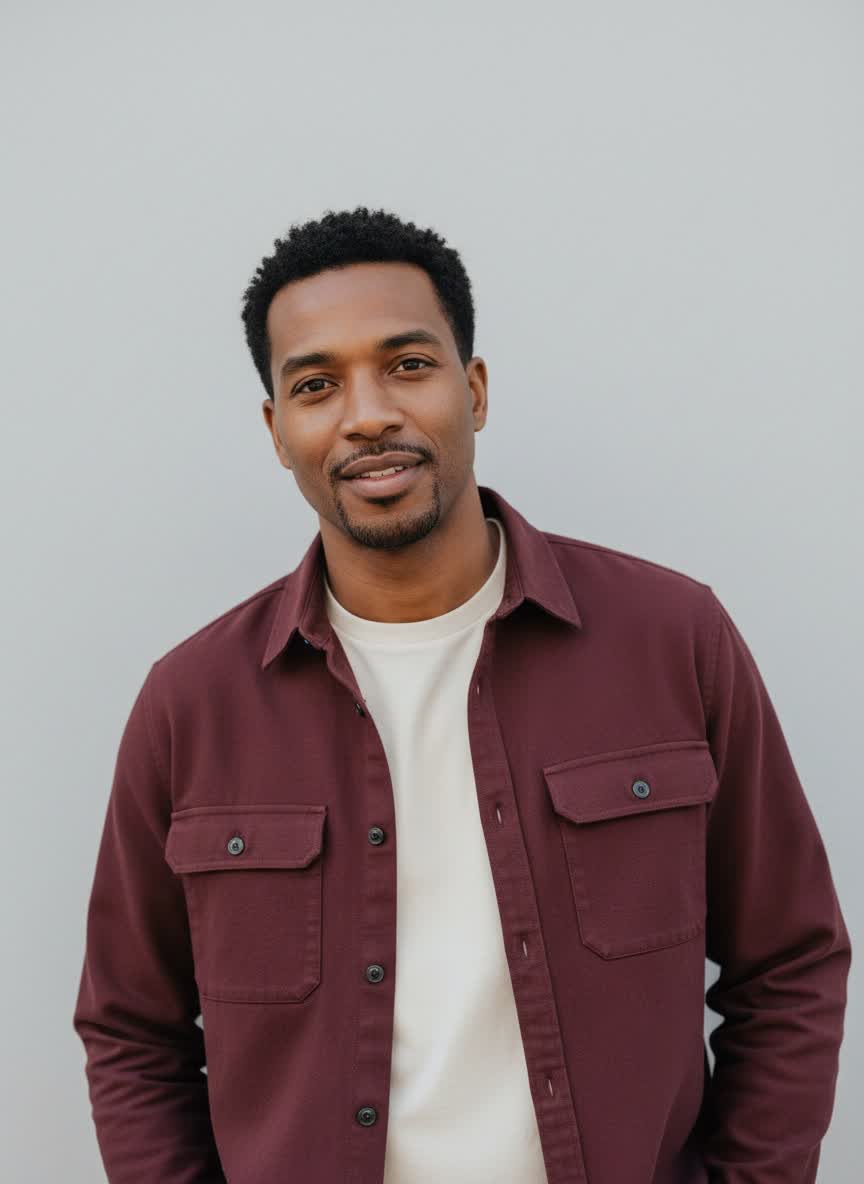
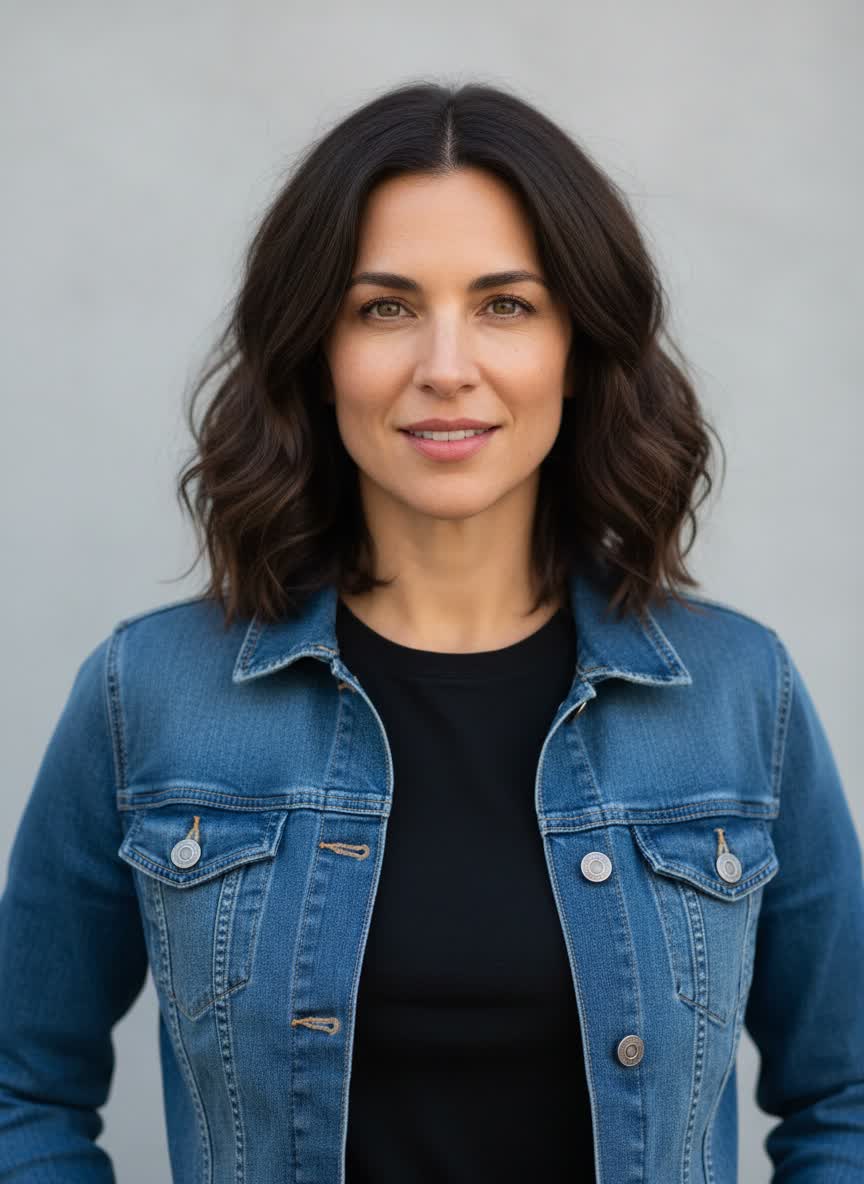
The video above was made from these two photos. Watch the whole clip before you buy.
In September 2026, TikTok filled up with copies of the “Hotel Lobby” performance Quavo and Takeoff did on A COLORS SHOW, except the two rappers had been swapped out for other people: best friends, couples, grandparents, a pair of cats. The orange room, the hanging mic and the moves stayed the same. You’ll also see it called Migos AI or the orange booth trend.
This site makes that video for you. You upload one photo for the left side and one for the right. We send both photos, together with the original 15-second clip, to the Kling O3 Pro video model. Your photos guide the performers’ faces and clothes, while the original clip guides the moves, scene and audio. AI output can vary in likeness, hands, framing and timing.
Start with your two photosAny two people or animals work, as long as the face is clear.
You on one side, your best friend on the other. Good for a birthday post or the group chat.
One photo of each of you. Works for an anniversary post or a wedding story.
Some of the first viral versions used two cats. Dogs work too. Pick a photo where the face points at the camera.
Grandma and grandpa, two siblings, or a parent and a kid.
For a team post or a farewell video. Ask both people first.
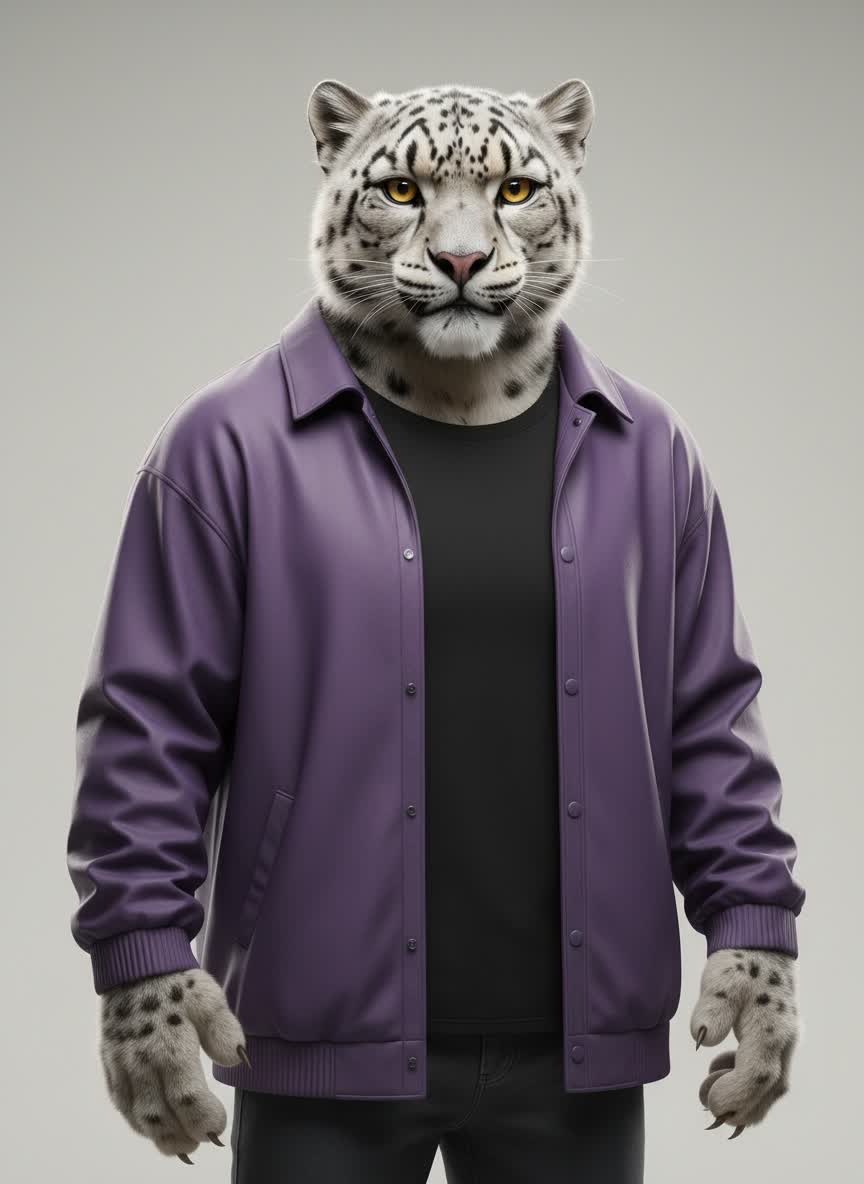
A mascot or a character you drew. It needs a clear face and outfit.
Both videos were made from the two photos shown under them. Turn your sound on.
Two people who have never met. Their clothes carry over, and they turn on the same beat as in the original.
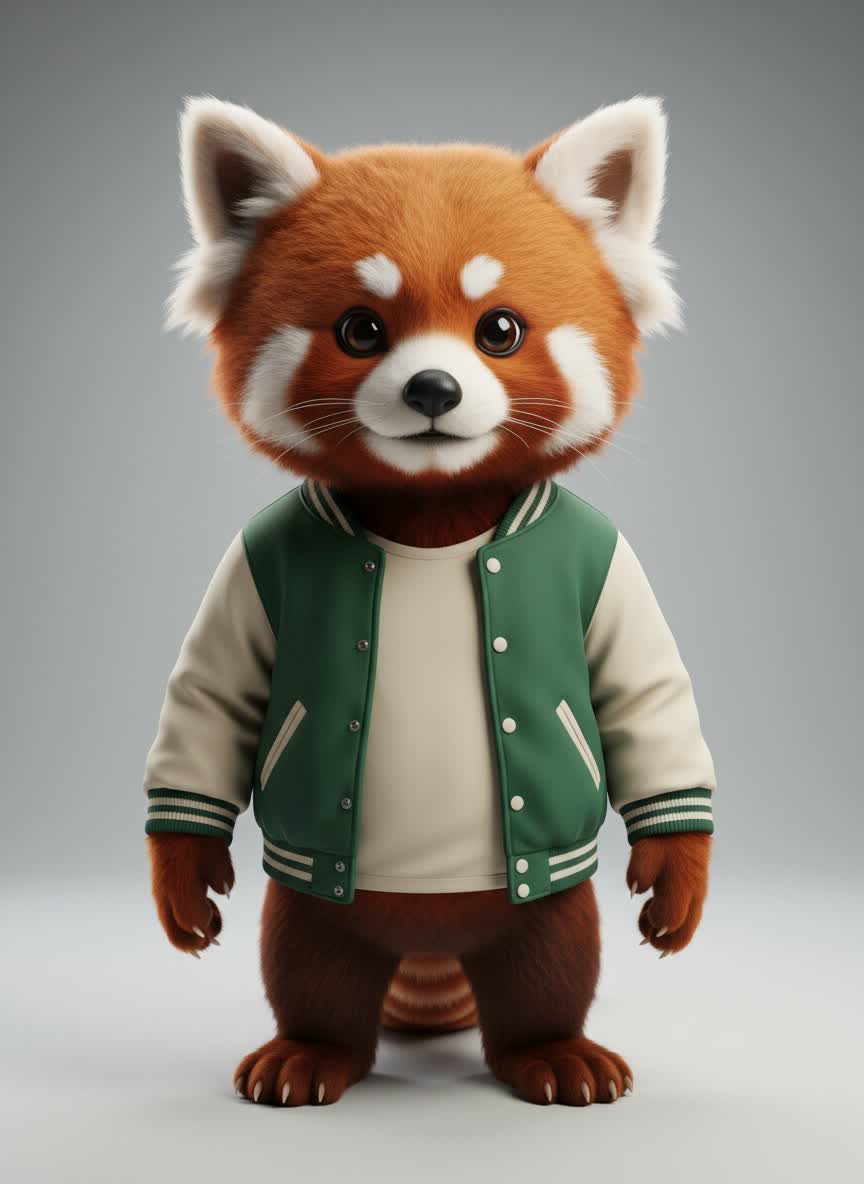
LEFT PHOTORIGHT PHOTOTwo animal characters doing the arm reach, the watch check and the spin. We made this one with Seedance 2.0 to compare models.
 LEFT PHOTO
 RIGHT PHOTO
The people example uses Kling O3 Pro, the model in this generator. The animal example is a Seedance 2.0 comparison; Seedance is not selectable here.
One photo for the left performer and one for the right. You can swap the sides before you start.
Kling O3 Pro uses the original clip to guide the moves, camera, room and audio, with your photos guiding the two performers. AI output can vary. This usually takes several minutes.
The video appears on this page and in My videos. Watch it once before you post it.
The model can only copy what’s in the photo, so the face needs to be easy to see.
The details of every Hotel Lobby AI video made here.
| Input | Two photos · JPG, PNG or WebP · up to 10MB each |
|---|---|
| Output | 15-second MP4 with sound |
| Frame | 16:9, the same frame as the original performance |
| Resolution | Chosen by the model · our people example is 1080p |
| Audio | Original reference audio |
| Model | Kling O3 Pro |
| Wait time | Usually several minutes. You can close the page |
| Price | $9.99 per video, or $7.00 per video in the 10-pack |
| Account | Google sign-in |
| Privacy | Your photos and videos are not shown in any public gallery |
Pay once, no subscription. One credit makes one 15-second video.
Try it once.
Enough for a few different pairs.
The lowest price per video.
A 15-second AI video based on the Hotel Lobby performance Quavo and Takeoff did on A COLORS SHOW, with the people or pets in your photos as the two performers. This site isn’t affiliated with the artists or COLORS.
Yes. They’re all names for the same video.
No. One video costs $9.99, and there’s no free trial. You can watch the full examples before you buy.
Close, but not exact. Faces, hands and timing can shift, especially when someone turns away. Clear, well-lit photos help most.
Only if they’ve agreed. Don’t upload celebrities or use the video to impersonate anyone.
Usually several minutes. You can close the page; the finished video is saved in My videos.
The credit goes back to your account, so you can try again.
Kling O3 Pro. There’s no quality setting; the model picks the size. Our people example came out at 1080p.
No, it’s 16:9 like the original. A 9:16 crop cuts off one performer, so post it as is or crop to 4:5.
Yes, for personal posts. If the platform mutes the original audio, add “Hotel Lobby” from its music library.
$9.99 per video. No subscription.